
Close Menu
    What's Hot

    Home Loan Part Payment Calculator: A Simple Guide to Save Big on Your EMI

    April 10, 2026

    BBMP Property Tax: Complete Guide for Bangalore Property Owners

    April 10, 2026

    What is GMP in IPO? Easy Explanation for Beginners

    April 8, 2026

    Subscribe to Updates

    Get the latest creative news from FooBar about art, design and business.

    Facebook X (Twitter) Instagram
    Facebook X (Twitter) Instagram YouTube
    Business Trust
    • Home
    • Business
    • Banking
      • Accounting
      • Economics
    • Entrepreneurs
      • Startup
    • Finance
      • Fintech
      • Insurance
    • Investments
      • Funds
      • Trending
    • News
      • Artificial Intelligence
      • Markets
      • Automotive
      • Healthcare
      • Industries
      • Taxation
    • More
      • Industries
      • Markets
    Business Trust
    Home » How to Add Credit Card in PhonePe for Fast and Secure Payments
    Finance

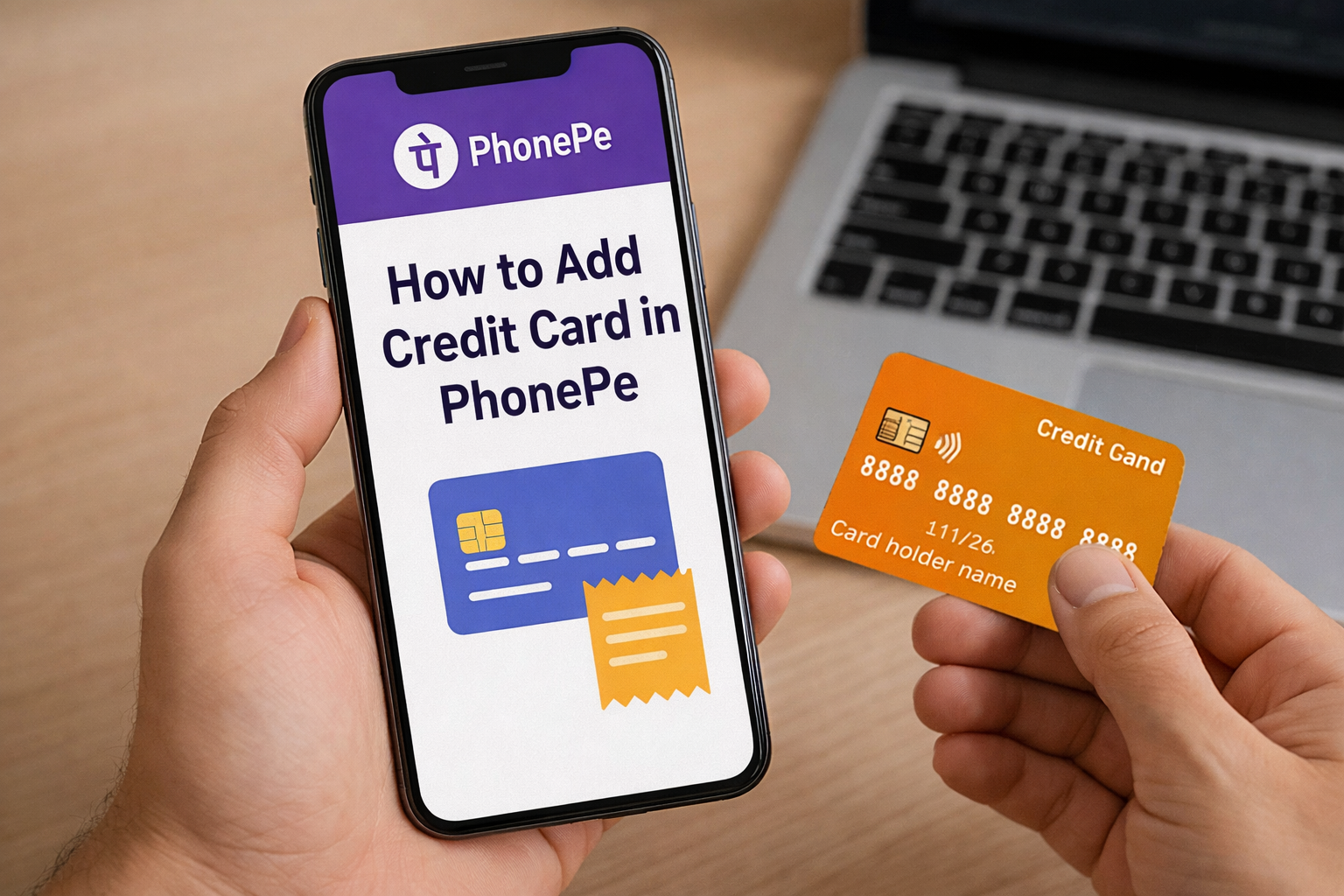
    How to Add Credit Card in PhonePe for Fast and Secure Payments

    Abhimanyu SinghBy Abhimanyu SinghApril 3, 2026No Comments5 Mins Read6 Views
    How to Add Credit Card in PhonePe
    Share
    Facebook Twitter LinkedIn Pinterest Email Copy Link

    Using UPI has become a daily habit in India. From paying chai bills to shopping online, everything feels quicker and easier. But many people still ask one common question — can we use a credit card on PhonePe?

    The answer is yes, and the process is quite simple once you understand it properly.

    In this guide, I will explain how to add credit card in PhonePe, how to link it to UPI, and what you should keep in mind before using it.

    Table of Contents

    Toggle
    • Understanding Credit Card Support in PhonePe
    • Why Add Credit Card in PhonePe?
    • How to Add Credit Card in PhonePe (Step-by-Step)
      • Step 1: Open PhonePe App
      • Step 2: Go to Payment Methods
      • Step 3: Select Add New Card
      • Step 4: Enter Card Details
      • Step 5: Verify with OTP
      • Step 6: Card Added Successfully
    • How to Link Credit Card to UPI in PhonePe
      • Step 1: Go to UPI Section
      • Step 2: Select Add RuPay Credit Card
      • Step 3: Choose Your Bank
      • Step 4: Authenticate Your Card
      • Step 5: Set UPI PIN
    • Where Can You Use Credit Card via UPI?
    • Important Things to Keep in Mind
    • Common Issues While Adding Credit Card
      • Card Not Supported
      • OTP Not Received
      • App Not Updated
      • Bank Not Supported
    • Benefits of Using Credit Card on PhonePe
    • Is It Safe to Add Credit Card in PhonePe?
    • Final Thoughts

    Understanding Credit Card Support in PhonePe

    Before you start, you should know one important thing. PhonePe allows you to use credit cards only through RuPay credit cards for UPI payments.

    If you have a Visa or Mastercard credit card, you cannot directly link it to UPI in PhonePe right now. This is because UPI credit card linking currently works only with RuPay cards in India.

    So, if you want to link credit card to UPI, make sure your card is RuPay-enabled.

    Why Add Credit Card in PhonePe?

    Adding a credit card to PhonePe gives you flexibility. You don’t always need to depend on your bank balance.

    Here’s why many people prefer it:

    • You can make payments even when your savings account is low
    • You get extra time to repay your amount
    • You may earn reward points or cashback
    • You can track spending easily

    For regular users, this becomes very useful during emergencies or online shopping.

    How to Add Credit Card in PhonePe (Step-by-Step)

    Let’s now come to the main part. Follow these simple steps to add credit card in PhonePe online:

    Step 1: Open PhonePe App

    First, open the PhonePe app on your mobile. Make sure your app is updated to the latest version.

    Step 2: Go to Payment Methods

    On the home screen, tap on your profile icon or go to “Payment Methods”.

    Step 3: Select Add New Card

    Now click on “Add Credit/Debit Card”.

    Step 4: Enter Card Details

    Fill in your credit card information carefully:

    • Card number
    • Expiry date
    • CVV

    Make sure all details are correct.

    Step 5: Verify with OTP

    Your bank will send an OTP to your registered mobile number. Enter it to verify your card.

    Step 6: Card Added Successfully

    Once verified, your credit card will get added to PhonePe.

    How to Link Credit Card to UPI in PhonePe

    Adding a card is one thing, but using it for UPI payments is another. Here’s how you can add credit card in PhonePe for UPI payment:

    Step 1: Go to UPI Section

    Open PhonePe and go to the UPI settings.

    Step 2: Select Add RuPay Credit Card

    Choose the option that says “Link RuPay Credit Card to UPI”.

    Step 3: Choose Your Bank

    Select the bank that issued your credit card.

    Step 4: Authenticate Your Card

    Enter the required details and verify using OTP.

    Step 5: Set UPI PIN

    Set a UPI PIN for your credit card. This will be used for payments.

    Once done, your card is ready for UPI transactions.

    Where Can You Use Credit Card via UPI?

    Not every merchant accepts credit card UPI payments yet. But the number is growing fast.

    You can use it for:

    • QR code payments at supported shops
    • Online merchant payments
    • Utility bill payments

    Some small vendors may still accept only bank-based UPI, so always check before paying.

    Important Things to Keep in Mind

    While using your credit card on PhonePe, you should stay aware of a few things.

    First, credit card payments are not free money. You need to repay the amount on time. Otherwise, interest charges can become very high.

    Second, some transactions may include charges depending on the merchant or bank.

    Third, always use a secure mobile phone and never share your OTP or UPI PIN with anyone.

    Common Issues While Adding Credit Card

    Sometimes users face small problems while trying to add their card. Here are some common ones:

    Card Not Supported

    If your card is not RuPay, you won’t be able to link it to UPI.

    OTP Not Received

    This usually happens due to network issues or an incorrect registered number.

    App Not Updated

    Older versions of PhonePe may not support credit card linking properly.

    Bank Not Supported

    Some banks still don’t support RuPay credit card linking to UPI.

    If you face any issue, try updating the app or contacting customer support.

    Benefits of Using Credit Card on PhonePe

    Using a credit card through UPI is still new, but it offers some real advantages.

    You get the convenience of UPI with the power of a credit card. This means you can pay instantly without worrying about your account balance.

    You can also manage your monthly expenses better. Instead of paying immediately, you can settle your bill later.

    For people who handle multiple payments daily, this becomes very helpful.

    Is It Safe to Add Credit Card in PhonePe?

    Yes, it is generally safe. PhonePe follows strong security measures like encryption and OTP verification.

    Still, you should follow basic safety tips:

    • Never share your UPI PIN
    • Avoid using public Wi-Fi
    • Lock your phone properly

    Your safety mostly depends on how carefully you use the app.

    Final Thoughts

    Adding a credit card to PhonePe is not difficult once you understand the steps. If you have a RuPay credit card, you can easily link credit card to UPI and start making payments.

    This feature gives you more flexibility and control over your spending. But at the same time, you should use it wisely. Always track your expenses and pay your bills on time.

    If you are someone who already uses UPI daily, then this upgrade can make your life even smoother.

    Read Also-: How to Transfer Amount from Credit Card to Bank Account? Simple Guide

    Share. Facebook Twitter Pinterest LinkedIn Tumblr Email Copy Link
    Abhimanyu Singh
    • Website

    Abhimanyu is a blogger with more than six years of experience in digital marketing and content creation. He specializes in writing about personal finance, business, marketing strategies, and the latest industry news. Outside of work, he enjoys traveling and reading books focused on money management and financial growth.

    Related Posts

    Home Loan Part Payment Calculator: A Simple Guide to Save Big on Your EMI

    April 10, 2026

    What is GMP in IPO? Easy Explanation for Beginners

    April 8, 2026

    What Are Finance Charges in Credit Card?

    April 3, 2026

    Financial Year in India: A Practical Guide You Can Actually Use

    April 1, 2026

    Low Credit Score Loans: How to Get Urgent Funds When Banks Say No

    March 31, 2026

    Sevana Pension: Complete Guide to Kerala’s Social Security Pension System

    March 25, 2026
    Add A Comment
    Leave A Reply Cancel Reply

    Top Posts

    Subscribe to Updates

    Get the latest sports news from SportsSite about soccer, football and tennis.

    Advertisement
    Demo
    Demo
    Our Picks
    Stay In Touch
    • Facebook
    • Twitter
    • Pinterest
    • Instagram
    • YouTube
    • Vimeo
    Don't Miss

    Home Loan Part Payment Calculator: A Simple Guide to Save Big on Your EMI

    By Abhimanyu SinghApril 10, 2026

    Taking a home loan feels like a big step in life. You plan your EMIs,…

    BBMP Property Tax: Complete Guide for Bangalore Property Owners

    April 10, 2026

    What is GMP in IPO? Easy Explanation for Beginners

    April 8, 2026

    How to Add Credit Card in PhonePe for Fast and Secure Payments

    April 3, 2026

    Subscribe to Updates

    Get the latest creative news from SmartMag about art & design.

    Demo
    Latest Posts

    Home Loan Part Payment Calculator: A Simple Guide to Save Big on Your EMI

    April 10, 2026

    BBMP Property Tax: Complete Guide for Bangalore Property Owners

    April 10, 2026

    What is GMP in IPO? Easy Explanation for Beginners

    April 8, 2026

    How to Add Credit Card in PhonePe for Fast and Secure Payments

    April 3, 2026
    Latest Posts

    Subscribe to News

    Get the latest sports news from Businesstrust about Business, Finance and Insurance.

    Advertisement
    Demo

    Subscribe to Updates

    Get the latest creative news from SmartMag about art & design.

    Latest Posts

    Home Loan Part Payment Calculator: A Simple Guide to Save Big on Your EMI

    April 10, 20262 Views

    BBMP Property Tax: Complete Guide for Bangalore Property Owners

    April 10, 20264 Views

    What is GMP in IPO? Easy Explanation for Beginners

    April 8, 20266 Views

    How to Add Credit Card in PhonePe for Fast and Secure Payments

    April 3, 20266 Views
    Stay In Touch
    • Facebook
    • Twitter
    • Pinterest
    • Instagram
    • YouTube
    • Vimeo
    Don't Miss

    ION Digital Zone IDZ 2 Mathura Road Complete Travel and Location Guide

    By Abhimanyu SinghMarch 20, 2026

    ION digital zone IDZ 2 on Mathura Road is a TCS ION-certified computer-based (CBT) centre…

    Ion Digital Zone IDZ: The Ultimate Guide to India’s Smart Exam & Digital Infrastructure Hub

    March 25, 2026

    Search Google or Type a URL: Meaning, Uses & Differences

    March 20, 2026
    Demo

    Welcome to BusinessTrust, place where real business ideas, practical tips, and growth insights come together, especially in the world of BFSI (Banking, Financial Services, and Insurance). We believe that true success isn’t just about numbers, it’s about having the right knowledge and building trust along the way.

    At BusinessTrust, we share simple, honest, and experience-based content that actually helps. If you want to learn about personal finance, explore investment options, understand loans and insurance, or keep up with business trends, you’ll find simple and useful information here. We explain things in an easy way so you can understand better and make confident decisions.

    Facebook X (Twitter) Instagram Pinterest
    Top Insights
    Latest Post

    Home Loan Part Payment Calculator: A Simple Guide to Save Big on Your EMI

    April 10, 2026

    BBMP Property Tax: Complete Guide for Bangalore Property Owners

    April 10, 2026

    What is GMP in IPO? Easy Explanation for Beginners

    April 8, 2026
    © 2026 ThemeSphere. Designed by ThemeSphere.
    • Home
    • About Us
    • Contact Us
    • Write For Us
    • Privacy Policy

    Type above and press Enter to search. Press Esc to cancel.